
Both thoughts stayed with me
On one website project, when the choice of building a content backend came up, my first thought was: with something like WordPress already available, why build our own? More questions followed. How much extra work would that mean now? Would adding features and fixing bugs become difficult later? Could it disrupt the website we had already made?
I did not think building our own was a bad idea. My thinking at the time was that an off-the-shelf system had to serve many different situations and account for compatibility, so it would have its own ways of working that I would need to learn. Building our own could follow our needs more closely: we could simply leave out features we did not need and take a more direct route. With AI to help, we could get started faster too. But for this project, I still preferred an existing system because of the time available. The schedule was short. Even if AI wrote a system, it would have problems that needed debugging, and debugging was the hardest part to estimate. I worried it would consume the time we had. Building our own felt more direct, yet I wanted to use something existing this time. I held both thoughts at once, and neither has completely displaced the other.
I also took in the case for building our own: if an existing system would need adjustment and our own would need debugging anyway, why not spend that effort on something that suits how we work and gives us more freedom? That made sense. It shifted my view a little, but only a little.
What are we actually debugging?
As I write this up now, I want to fill in what I did not explain clearly at the time. Both options involve debugging, but what exactly would we be debugging? With an existing system, I would first want to understand which mechanisms we could reuse and where we would still need to adapt things. If we built our own, we would need to look at the rules we had added, and who would understand and maintain them later. The amount of work might differ, and so might how easy it is to estimate. I have not built and tested both systems, so I cannot say which would save more time. But when I heard that both would need debugging, I still wanted to ask about those differences.
The same sample article makes it easier to see where each editing interface puts the work.
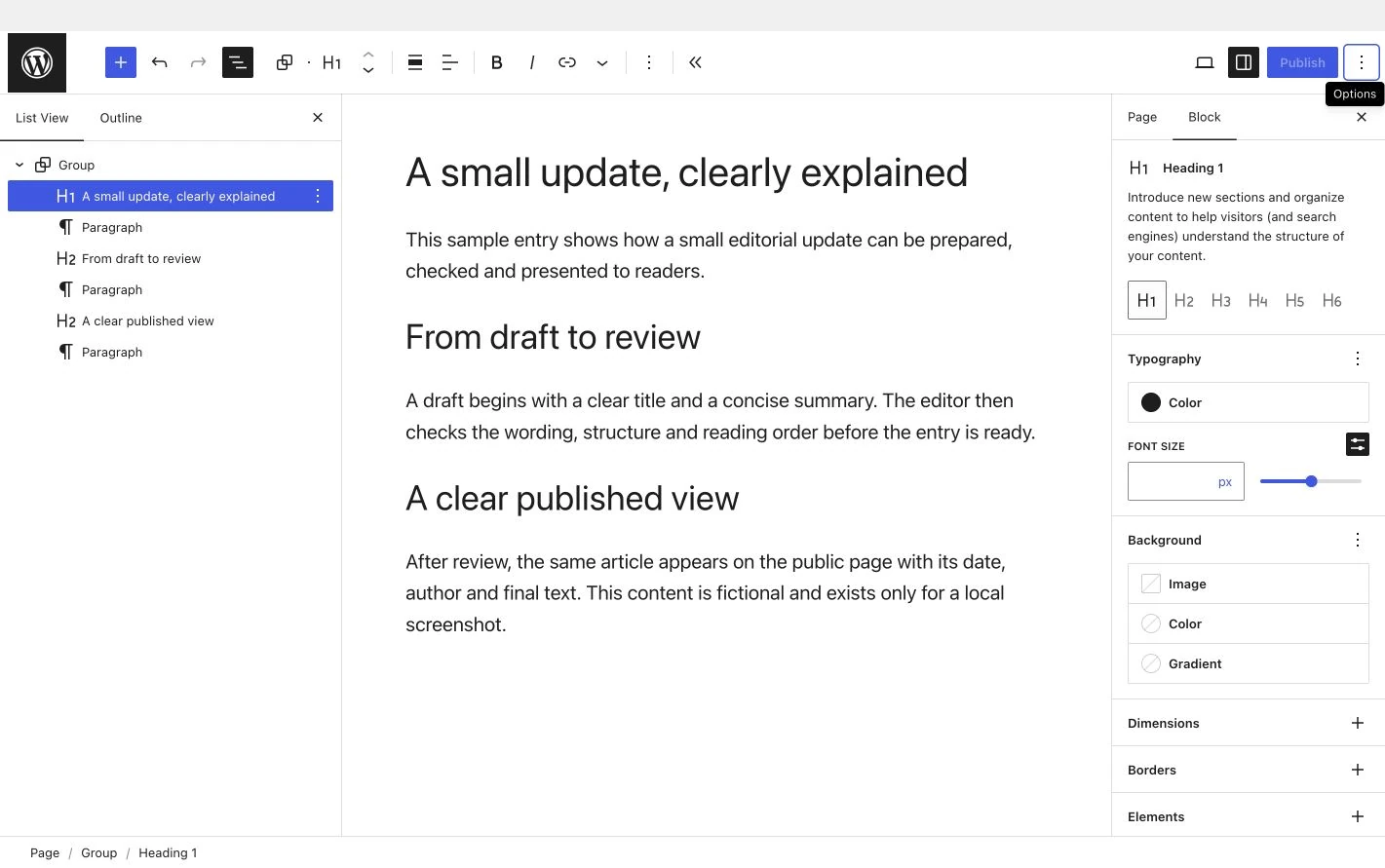
At the time, I only had a rough idea of what “fitting our needs” would mean. The official WordPress documentation helped make this a little more concrete. Suppose we wanted to add a field for a particular kind of content, or set a rule that must be followed before publishing. WordPress already has ways to publish posts, save drafts and upload images; ordinary updates could just use posts. If we really needed dedicated fields and rules, it could also be extended with a custom content type, though that would take additional configuration, a plugin or code. If we built our own system, we could design it that way from the start.
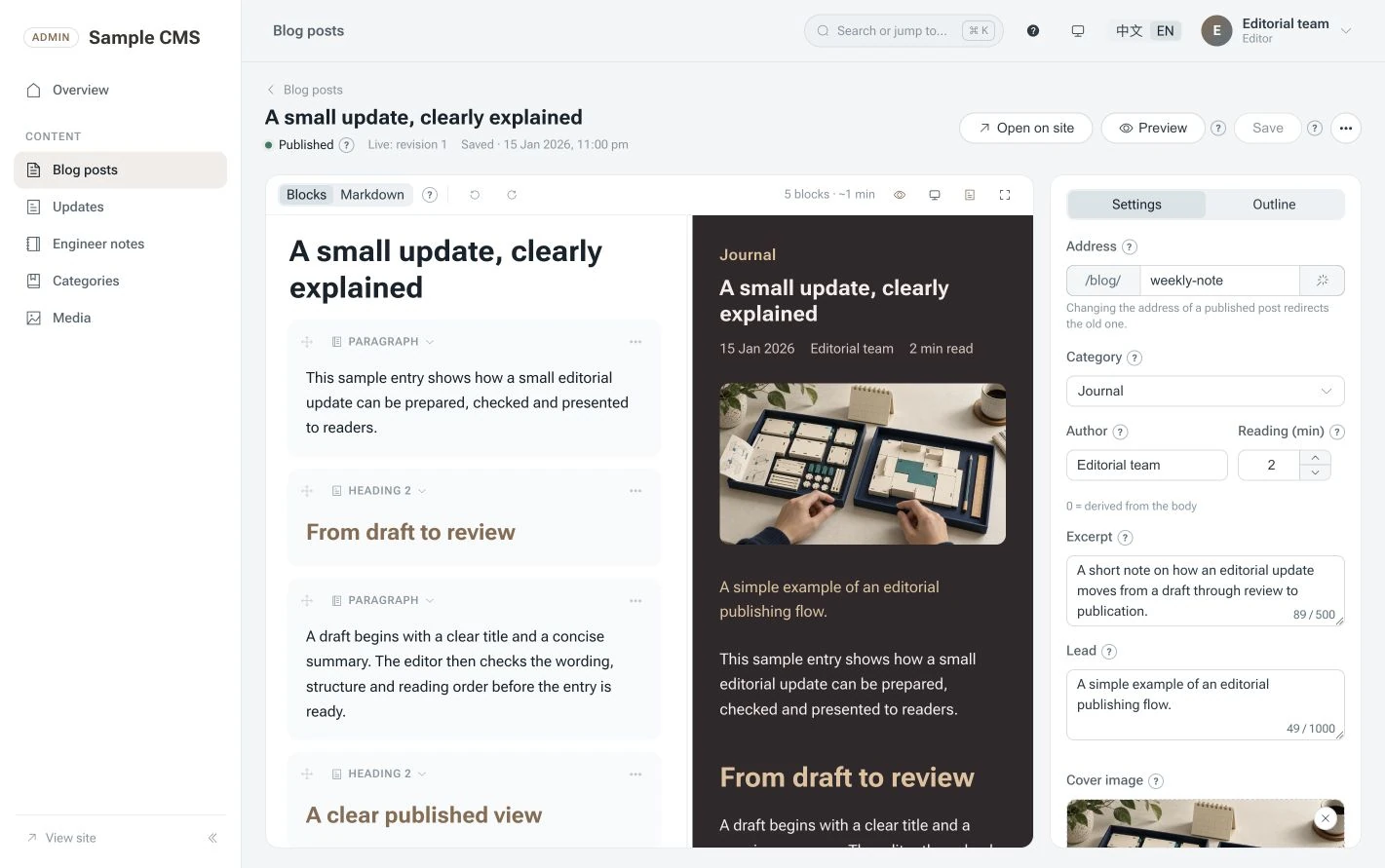
Both routes are possible. The difference is whose code holds that rule and who will change it later. Reusing an existing mechanism still takes work to adapt; a custom one may fit closely, but if we want to change the rule one day, someone will need to understand why it was written that way and check it again after making the change. The part I could not stop thinking about was that “someone.”
Who takes it on afterwards?
That also made me separate “quick to start” from “possible to maintain over time.” The first is about the work in front of us, and AI really did help with that. The second stretches over a much longer period, perhaps after the people involved have changed. Adding features, fixing bugs and upgrading things depend on someone being able to understand the system and take it on. WordPress has maintenance work too. Its official guidance recommends regular updates and backups beforehand, and plugin compatibility needs attention. An existing system is not finished the moment it is installed.
So I was not looking for a way to avoid maintenance forever. I had more specific questions. Could someone who had not worked on it use the instructions to get it running? If publishing failed one day, would they know where to begin looking? I have not checked those things yet. The answers might be good ones, but for me the question remained unresolved in practice.
Doing my part first
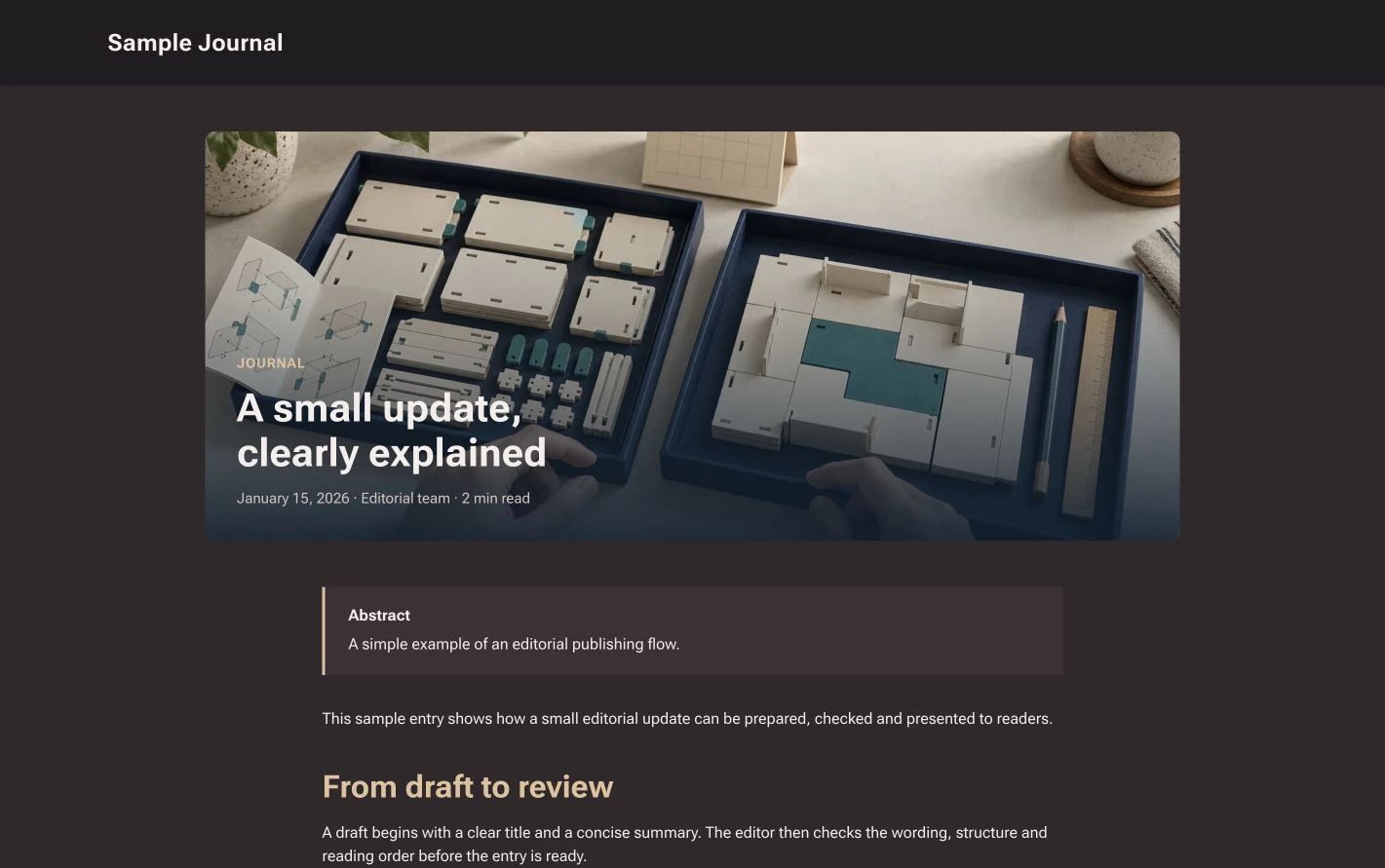
When the website I was responsible for needed to get content from the new backend, my request was simple: keep the pages and presentation we had already made, and check that those pages still displayed properly after connecting the new content source. AI helped with the actual configuration and checks; my part was mainly making clear what needed to be protected. While looking into this, I also saw that WordPress can provide content to a separate frontend through an API. Changing a backend does not, by itself, mean rebuilding the frontend. What matters is how they are connected and how images and formatting are handled. At the time, I wanted to protect what was already there, so a backend change would not sweep it away.
In the end, I did not take on the backend. I continued working on the website in front of me. Given the schedule and the amount of work, I wanted to do the part I was responsible for well. Others were already responsible for the backend, so I did not take on that part too. Stepping back did not mean my concerns about maintenance and handover had been resolved. I did not treat them as resolved. I kept my time for the pages I was already responsible for.
This round taught me more and gave me a little more confidence. Later, I put forward an idea of my own: another website with a way to manage its content. The project is still at the stage of clarifying requirements, looking at similar websites and preparing a proposal. Development has not started. As the discussion produced a longer and longer list of features, I asked: do we need all of these in the first version? Have we drifted from what we set out to do? For now, the research and requirements need to be clearer before we decide what belongs in the first version.
Sources: The passages about WordPress refer to its public official documentation: REST API Handbook, Registering Custom Post Types, Updating WordPress, Manage Plugins.
The WordPress capture comes from the official Gutenberg editor demo, using the same generic sample text as the custom interface.