
Week Three covers 19–25 October 2026; prepared on 27 October. This account describes the work and decisions at that time.
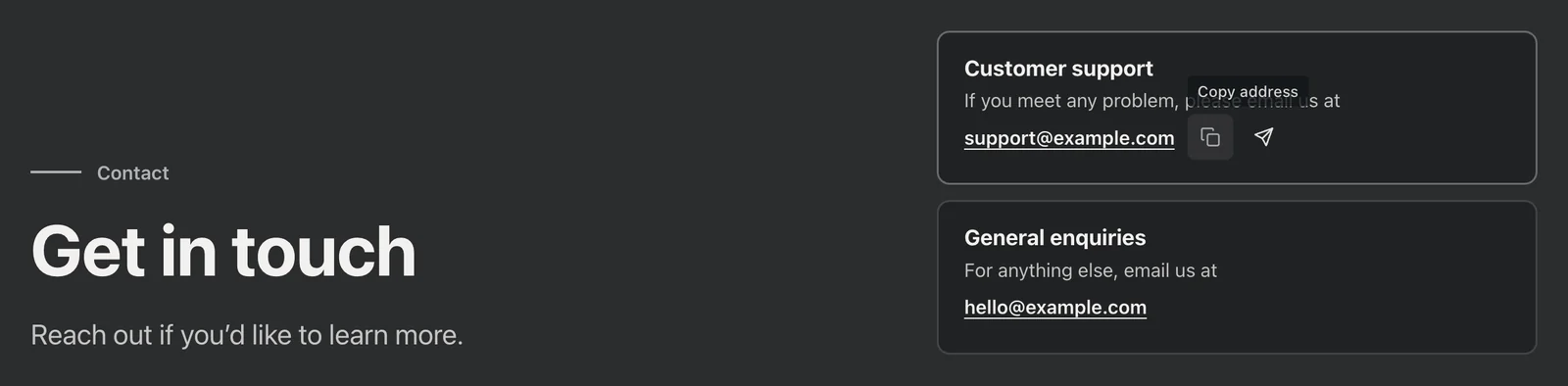
Beside the email address was a label that said Copy. After seeing it, I asked one more question: would people know they could click it? The address was right there, and the copy function had been built, but whether the way to use it was clear still had to be judged from the actual screen.
Many changes this week began with questions like that. I continued moving the website plans forward, while repeatedly asking what exactly we were changing, whether a visitor could understand it without help, and how someone would update the content later.
A file being there does not mean it needs changing this time
At first, I compared the live website with the code I had been given. The code contained considerably more than appeared on the website, and some files did not correspond to the pages we were actually reviewing this time. I stopped to ask: did all of those need changing? What I meant was that this round should deal with the pages currently in use. Work should begin only after we had clarified the scope and I had agreed to it.
Next, the plan needed to become tasks that could be assigned. Before that, I wanted the structure to be clear first: fixing, reorganising and adding things involved different kinds of work, and some tasks depended on others, so we should not start simply by listing feature names. I asked for the categories, priorities, prerequisites, and criteria for completion to be written out as a recommended list before deciding how to proceed. It also made more sense for the people involved to confirm what each would take on than for an assistant to allocate every task on their behalf.
AI helped with implementation and technical checks that week, alongside work by other people. My role was to make the requirements clear, review previews, point out what was wrong, and choose between options.
Contact details: the first version did not feel grounded enough
The colours in the first version of the contact area felt a little too light to me. It did not feel substantial enough for a serious point of contact, so we first moved the colours in a more restrained direction.
Then there was the email address. Some people prefer to copy an address and write their own message; others want to click and open their email app directly. I wanted both options. Even after the button was made, I was not satisfied: with only Copy written beside the address, would people know they could click it? I suggested turning the two choices into small icons that appeared when the mouse hovered over the email address, so visitors could choose right there.
After changing that instance, I remembered that the email address appeared elsewhere too. Instead of building the same interaction separately in each place, it made sense to extract it for reuse wherever needed. It later became a reusable piece, first used in the existing contact points.
The homepage: even I missed the switch
While reviewing the homepage, I said something plainly: at first, I had not realised this part could be switched. I had been involved in the page changes all along, and the control was right in front of me, yet I still missed it. That made me worry about whether a first-time visitor would find it. I asked everyone to reconsider where and how the control should appear.
On another review of a new version, I noticed that the wrong thing had been removed. My earlier objection was that there was too much text, but the revised version had also cut part of what was being displayed. The effect I wanted, where someone could open it up to see the details more clearly, had disappeared too. I clarified the distinction: reduce the explanatory text, but keep the displayed material complete. Another area had been given fixed dimensions, leaving several empty patches because its content did not fill the space. Fixing the dimensions alone did not finish the job; the empty space needed to flow naturally into the content above and below.
Beyond the homepage, I also tried making a product explanation that people could rotate and zoom in on themselves. Once several parts had been combined in one scene, I found that I could no longer follow it easily. I saved the original version first and made another version to test the viewing pace. I wrote about that process in Turning “How It Works” into a Construction Site.
After content began coming through a management tool
When connecting the content management tool this week, I wanted to understand whether the content update process would work from end to end: who would edit the articles, what saving and publishing would each change, when updates would appear on the website, and whether the existing pages would be affected. Those questions needed separate answers; saying that the tool was “connected” did not cover them all. For the new content source, I made only one request: preserve the existing pages and display areas, and check afterwards that they still appeared correctly. The actual configuration and checks were completed collaboratively.
At the time, I was mainly working on the pages, while other people were already moving the backend forward. But I had reservations about which kind of backend to choose. Building our own offered more freedom and could fit the needs more closely. I was more concerned about the time it would take, where to look when something went wrong, and whether the next person could maintain it. I clarified that thinking in retrospect in A Custom Backend Offers More Freedom, but This Time I Still Preferred WordPress.
Short films: a background and something people choose to watch serve different purposes
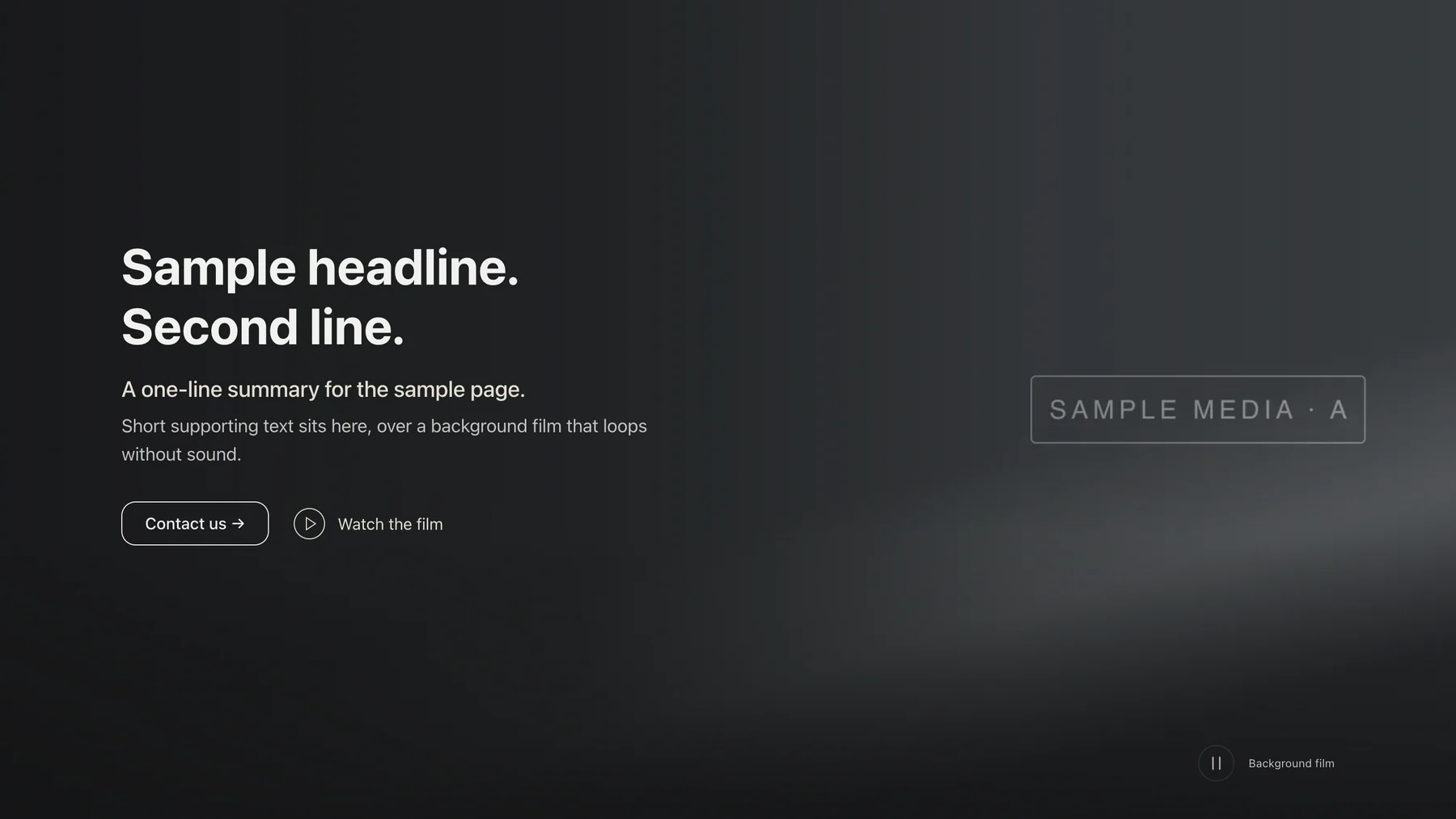
For the first screen, I set one requirement from the outset: the background had to move; a screenshot would not do.
There also needed to be a short film people could open separately. At first, we worked to a very short duration. Once it was made, I felt there was little point in having that entry point, because the film could not explain anything completely. Looking back, the short film I had originally imagined was closer to a background. Now we were asking someone to open it deliberately, but had kept the old duration limit. Its purpose and length no longer matched. My view was that there should be no fixed duration limit, as long as the content was explained clearly.
Once the duration was opened up, the two uses could be separated, and they eventually became two films. A visitor might arrive halfway through the one on the first screen, so it could not depend on being watched from the start. The one opened separately was for people willing to spend more time: each action needed enough time to be seen clearly, and words on screen needed enough time to be read. The source footage was somewhat blurry. It was given a gentle enhancement, but that could improve only so much; it was not native high-definition footage.
How will the next person change the content?
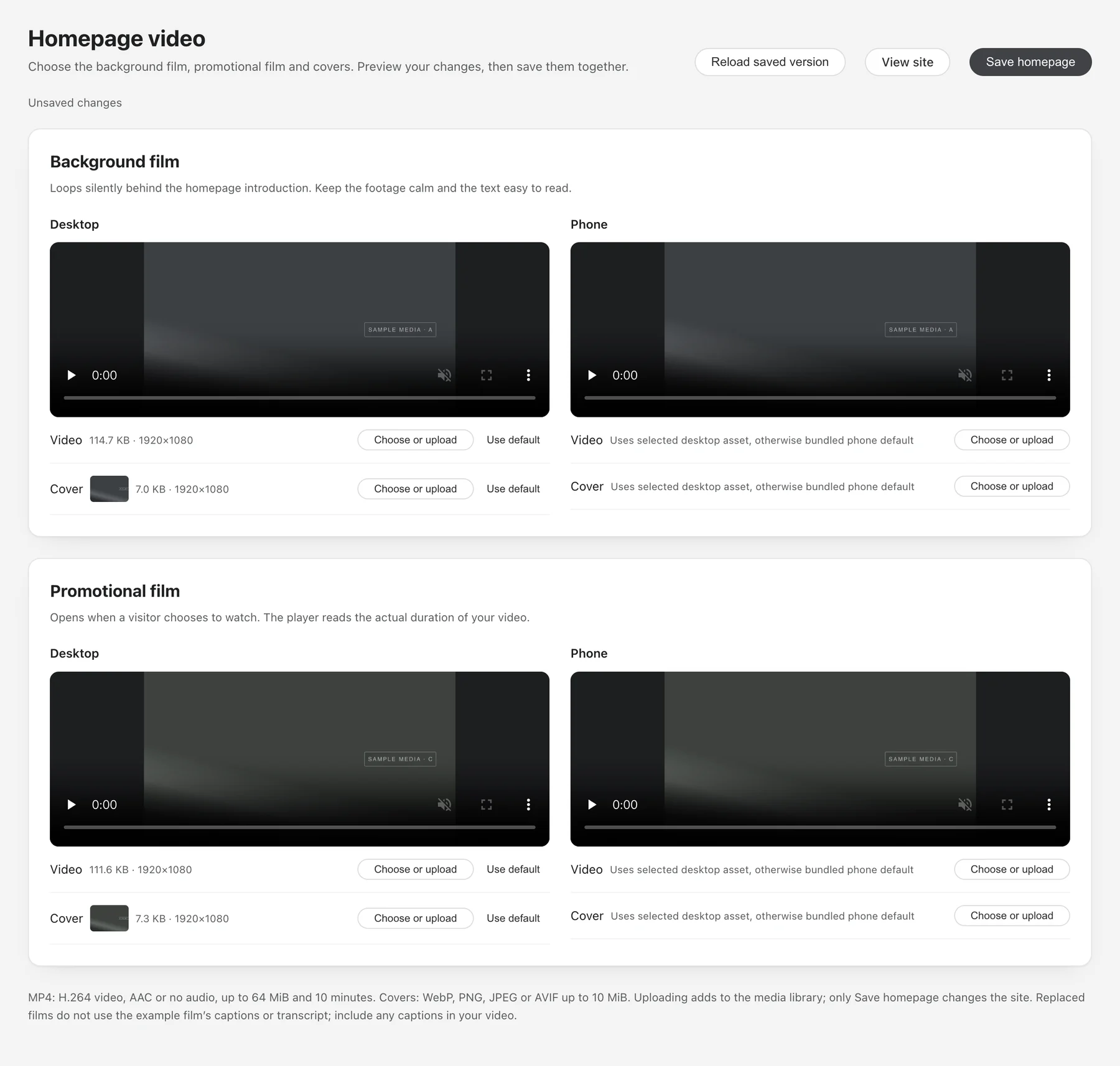
Later, I asked how the short films should be stored and changed. When a film needs replacing in the future, I want someone to be able to upload, preview, and save it in a management interface, without having to find a file in the source code every time. I asked for that use to be considered too: first find out what the existing tools could do and what would need adding, then make changes.
I also asked whether, in this project, committing code would update the website automatically. We needed to distinguish the local changes visible in front of us from the steps needed to get them into the environment where the site actually runs. Adding a management feature this time and later replacing content through that feature would also involve different operations. I wanted to understand that path before deciding how to continue.
So I asked for changes to be reviewed first and for update instructions to be left behind, giving the next person something to consult. Those instructions should go beyond a single line saying “started successfully”: what needs to be prepared, where to begin, what result to expect, and where to look first if something goes wrong should all be possible to follow.
Both were part of changing the same website: earlier, I cared whether Copy looked clickable; later, whether the person replacing content would get stuck at the next step. Building the function did not make either question disappear. I kept looking at how things actually worked, making the questions specific, and then deciding what needed to change.